
Cloudphone answers every call and text, books the work, and sends you the recap, in your own voice, 24/7. When you're ready, add your team, desk phones and call queues on the same number.
Book an assessmentFree 30-minute assessment. No hardware needed to start.
No hardware, no phone trees, no contracts. Three steps and your line is covered.
Choose a local number in your area code, or bring the one you already have.
Tell it how to answer and a little about what you do.
It answers every call and text, takes messages, books appointments, and sends you the CliffsNotes.
The calls and messages that eat your day — answered, booked, and logged.
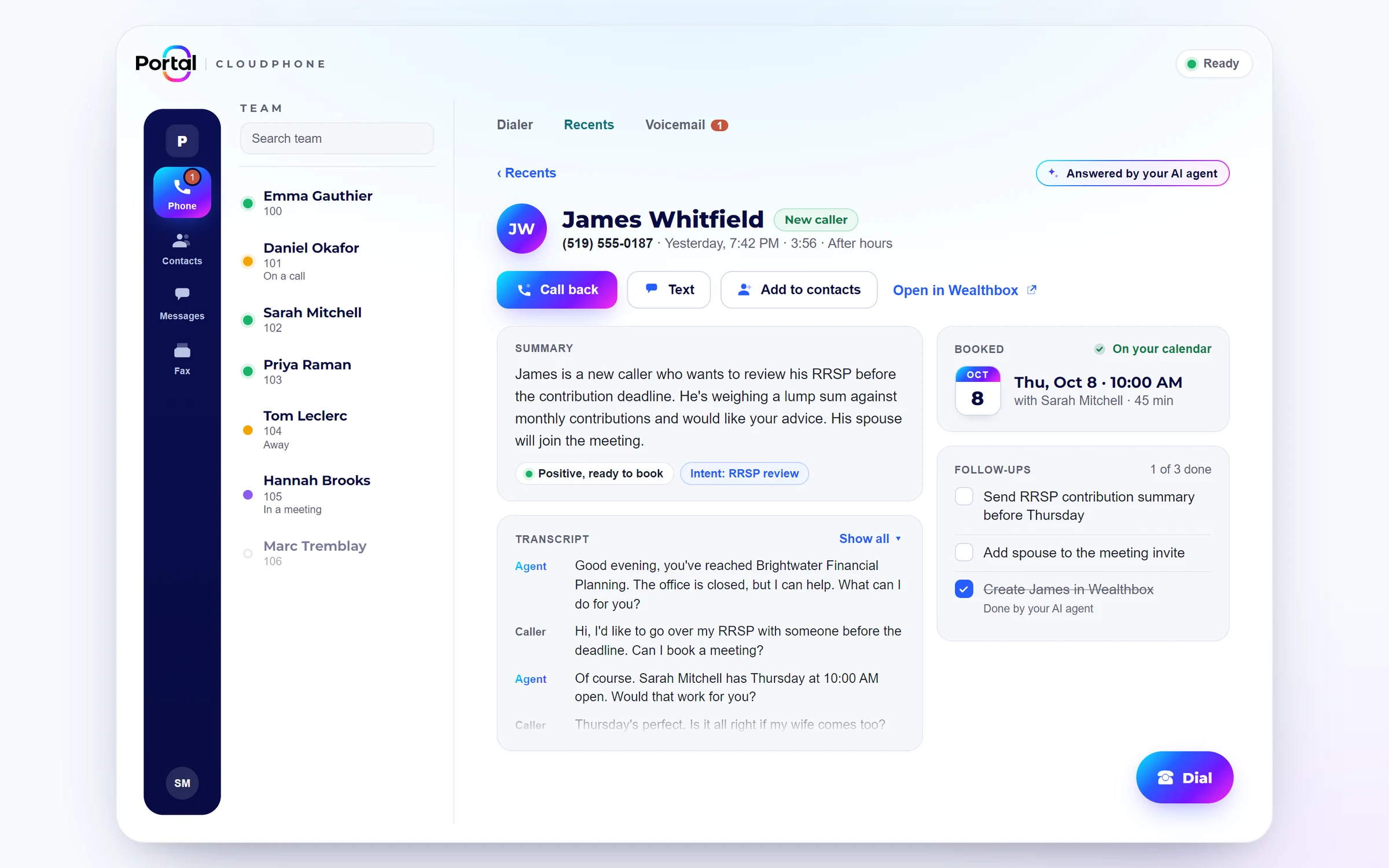
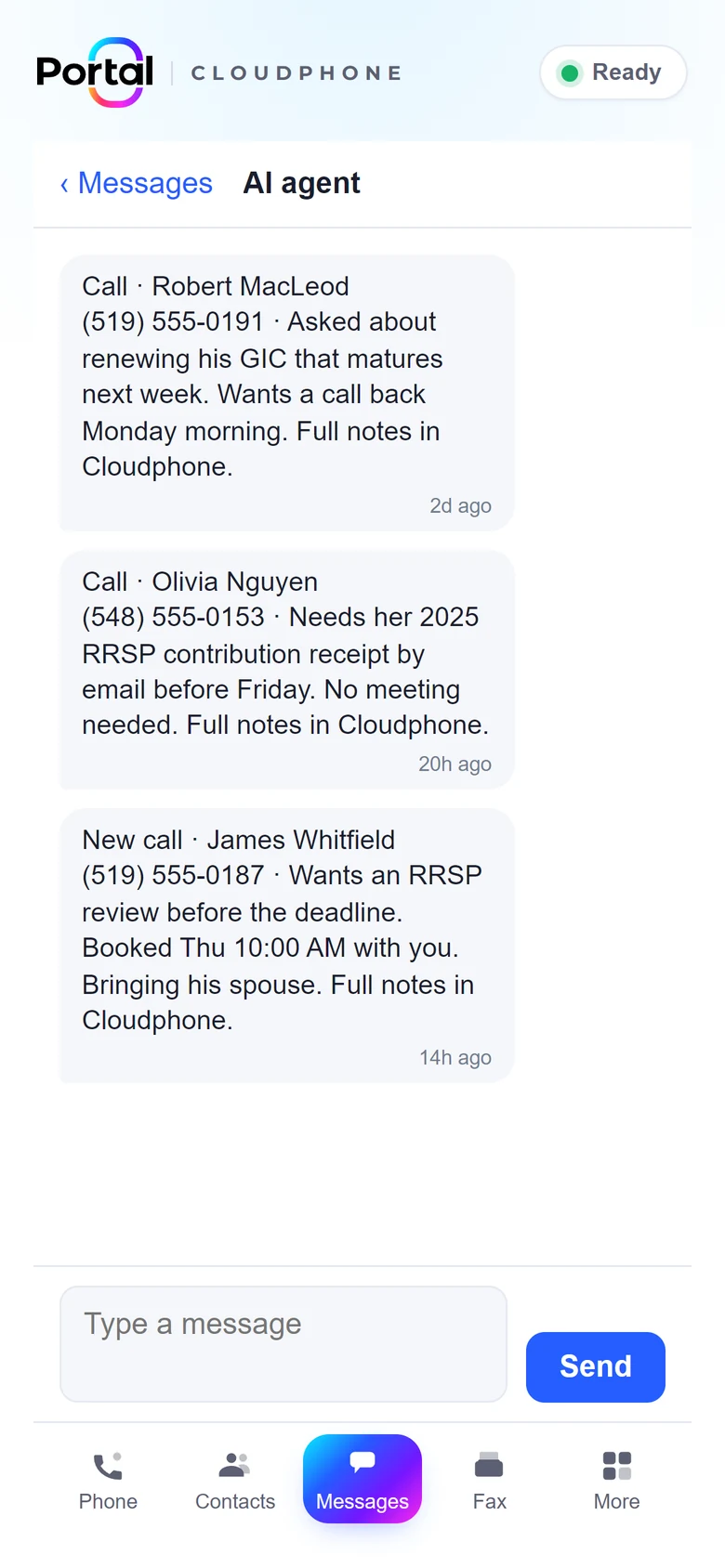
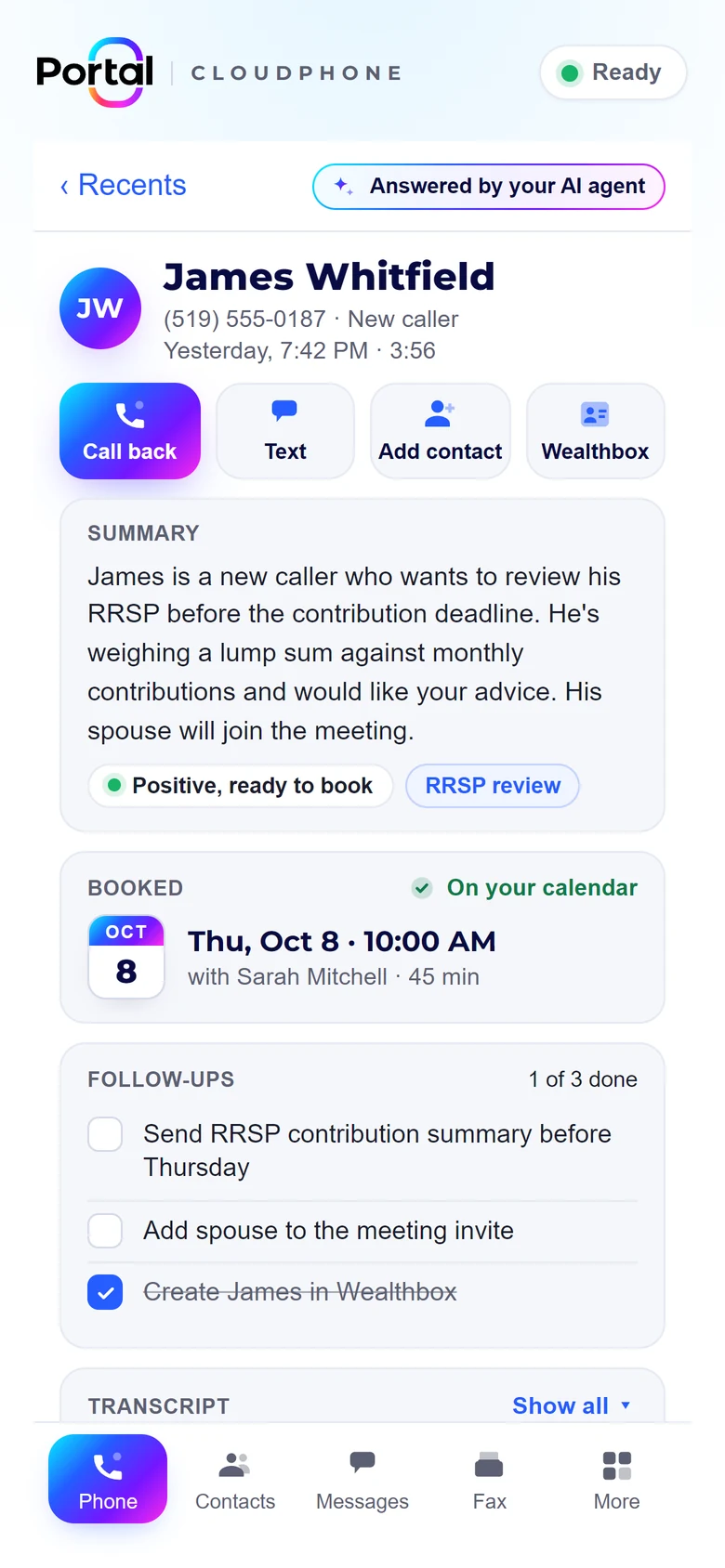
You're on a job, with a client, or asleep. It answers in your voice, gets the details, and books them in — you get a text with the CliffsNotes.
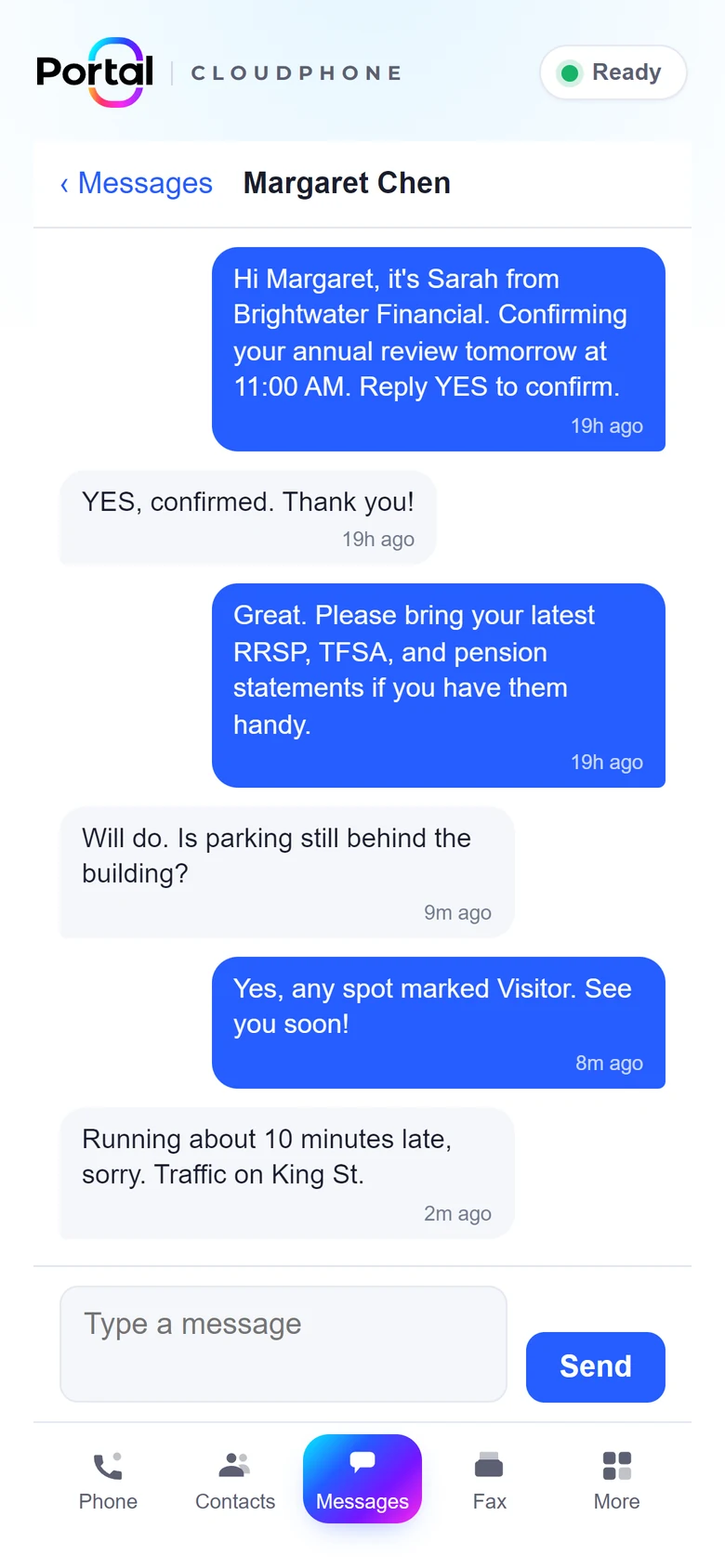
It replies to texts on your business number, answers questions, and captures what they need.
It offers your real availability and books straight into Google Calendar or Outlook. No phone tag.
Every conversation is summarized in one dashboard, and you can jump in and take over from the AI anytime.
Start with just the agent. When your team needs more, upgrade to a full phone system without changing numbers or starting over.
An AI receptionist on your business line, answering calls and texts around the clock.
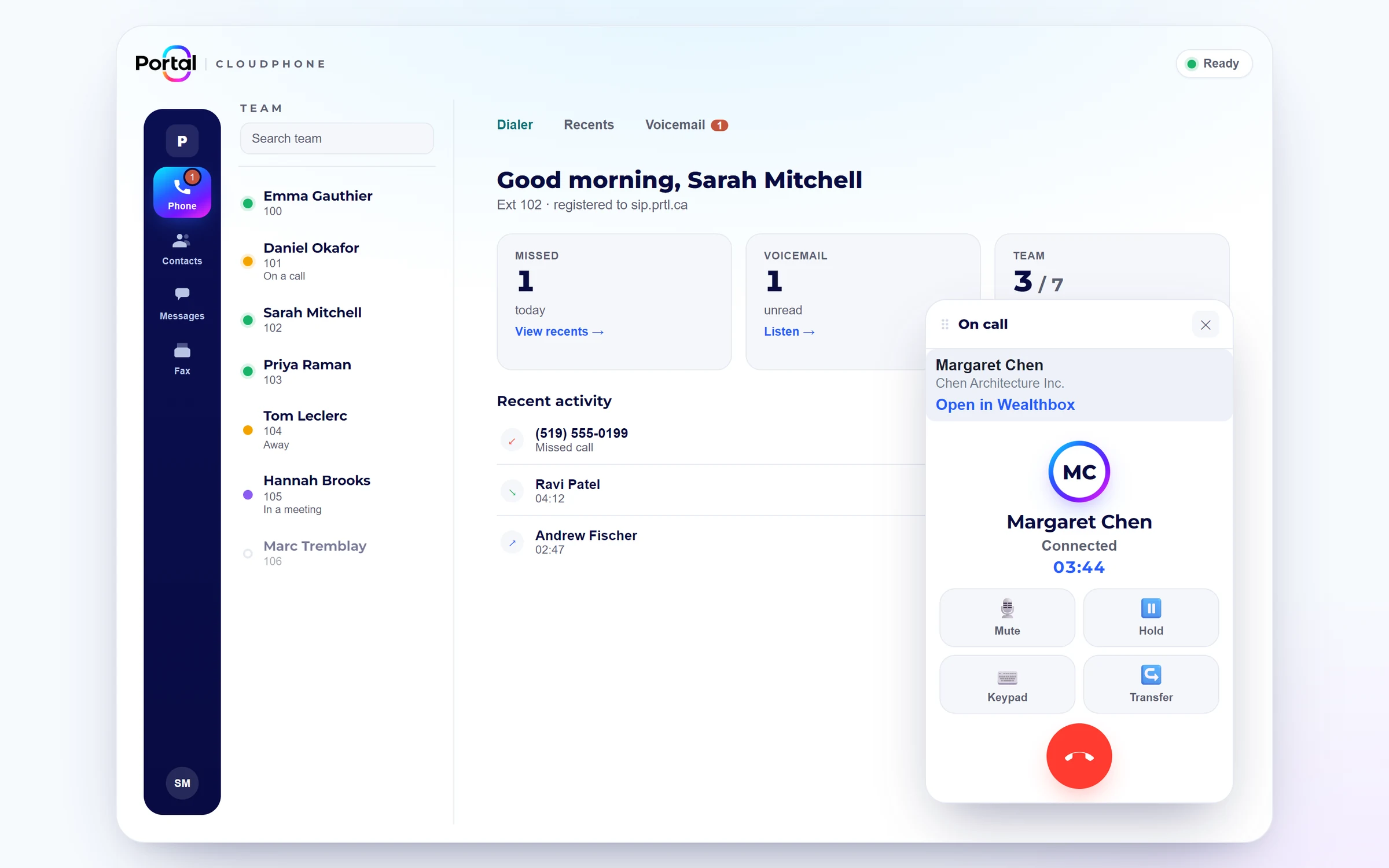
Everything your team needs to call, message, and serve customers, with the AI agent still on the line.
Your desk phone finds its extension by itself. No one types a password and no one visits each desk to set it up.
Tell us which phone goes on which desk. We link it to that person's extension.
Out of the box and into the network. It checks in with the maker's setup service and is pointed securely to us.
Line keys, voicemail and encrypted calling are set up. The first call can come in right away.
Supported phones only, for security. Every phone gets its own one-time setup link, so no SIP password is ever typed, emailed or left on a sticky note.
The everyday jobs your old phone system did, with plain-language settings you can change yourself.
Call queues and ring groups, agent breaks, overflow when nobody's free, and a live wallboard.
Business hours, holidays and after-hours rules. Edit them from the app.
Page desk phones and overhead speakers (Algo or Snom PA1) from any extension, one zone or the whole building.
A call log with recordings you can play back, CSV export, and voicemail to email.
Text customers from your business number, send and receive faxes, and chat with your team, all in the same app.
Each location carries its own 911 address, so help goes to the right building.
Pilot starting January 2027. Ask to join. Requires a Teams Phone licence (or E5). Queues, routing and recording run on Cloudphone, with Cloudphone's recordings stored in Canada.
Park a call and pick it up from any phone. BLF keys show who's free before you transfer.
Customers see your company name and the right number for each location when you call out.
We import your 3CX backup, so you don't rebuild anything and your numbers stay the same.
Then we walk through the result with you.
Call flows and desk phones are checked before anything changes.
At a time that suits you, with the same numbers and the same team supporting you.
Calls, voicemail and recordings are handled in Montréal. Our AI texting and summaries run on our own model in Toronto, and support comes from the same Canadian team that runs your line.
Conversations are encrypted in transit and at rest, with PIPEDA-aligned privacy practices.
AI guardrails keep the agent on script, and you can step into any conversation yourself.
Something else? Book a free assessment and we'll go through how your team handles calls today.
If they're a supported Yealink, Snom or Grandstream model, yes, and they'll set themselves up when they're plugged in. For security we only connect phones we can set up zero-touch, so we'll check your models during the assessment and recommend a replacement for any that aren't supported.
Users, extensions, ring groups, queues, holiday schedules and paging groups are imported from your 3CX backup, and your numbers stay the same.
Yes. Your number and AI agent stay when you upgrade. You just add seats and phones.
We're starting a Microsoft Teams calling pilot in January 2027. Ask to join. It requires a Teams Phone licence (or E5). Queues, routing and recording run on Cloudphone, with Cloudphone's recordings stored in Canada.
Yes. Business hours, holidays and who answers what can all be changed in plain language from the app.
Calls, voicemail and recordings are handled in Montréal, and our AI texting and summaries run on our own model in Toronto.
Book a free assessment and we'll set up your AI agent, or map out a full phone system for your team.